
Lower cost
For flexible jobs that can tolerate interruption.
Not-Meta Instances
Rent a GPU workspace with clear hourly pricing, prepaid credits, and the flexibility to choose lower-cost Spot capacity or steadier Standard access.
*Spot savings reflect current displayed presets. Capacity and launch times vary by availability.
For flexible jobs that can tolerate interruption.
For focused sessions where continuity matters.
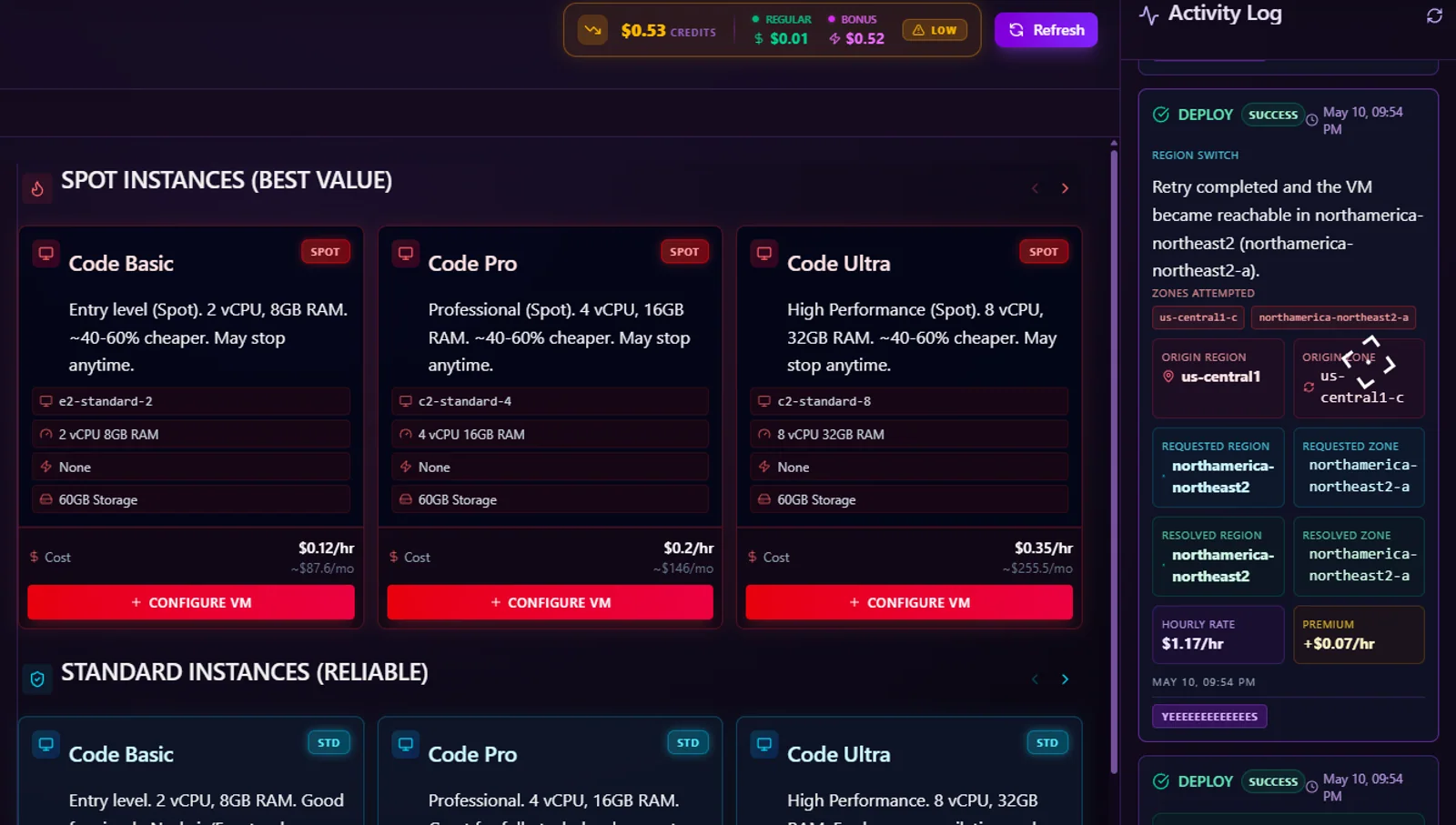
Compare GPU workspace modes and rates first.
Prepaid credits keep spending visible.
See status updates while capacity starts.
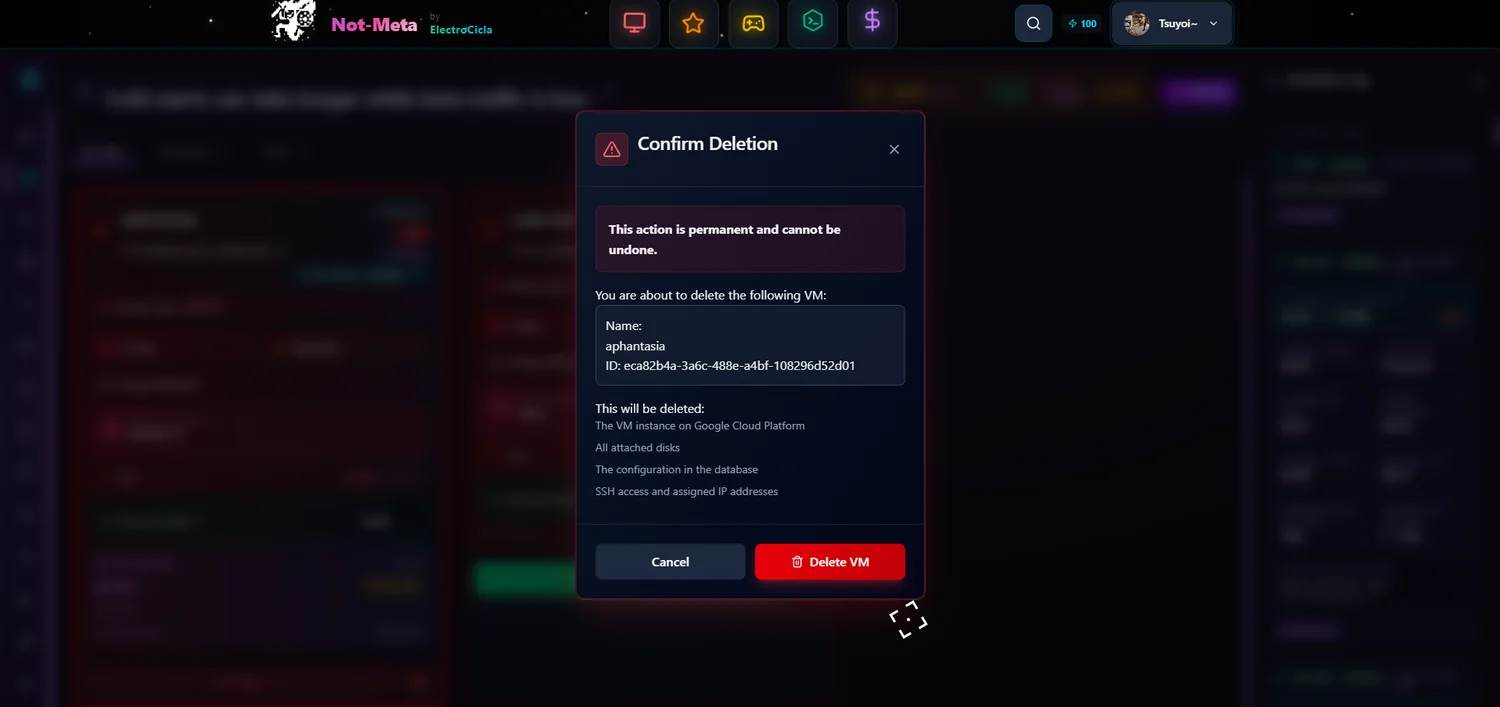
Confirm destructive actions before removal.
How it works
Review your options, follow launch progress, and understand your credit activity from the same workspace dashboard.
Choose your workspace
See lower-cost Spot options alongside steadier Standard capacity, then select the approach that fits your budget and session needs.
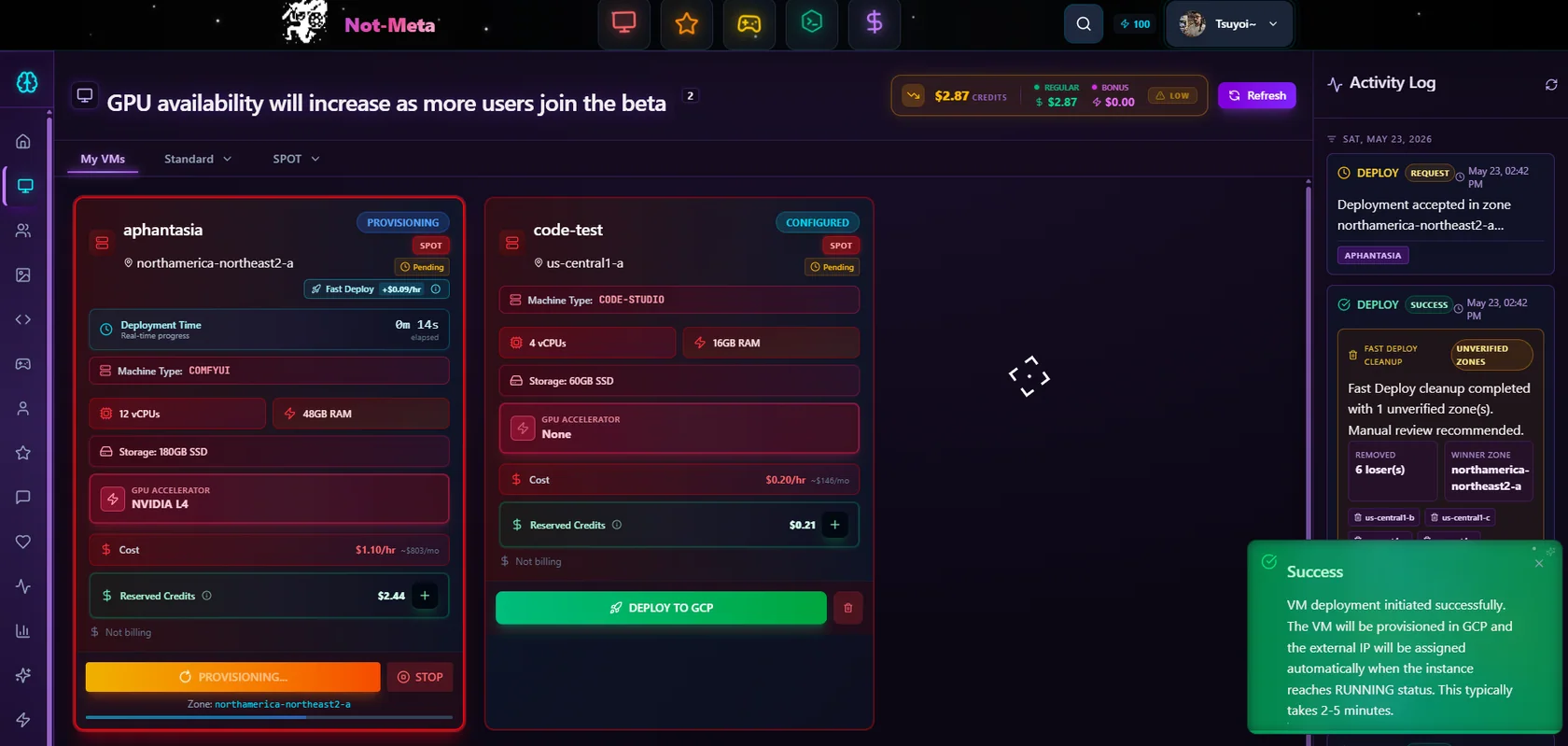
Start with visibility
The launch experience shows progress and session status instead of leaving you waiting without context when availability takes longer.
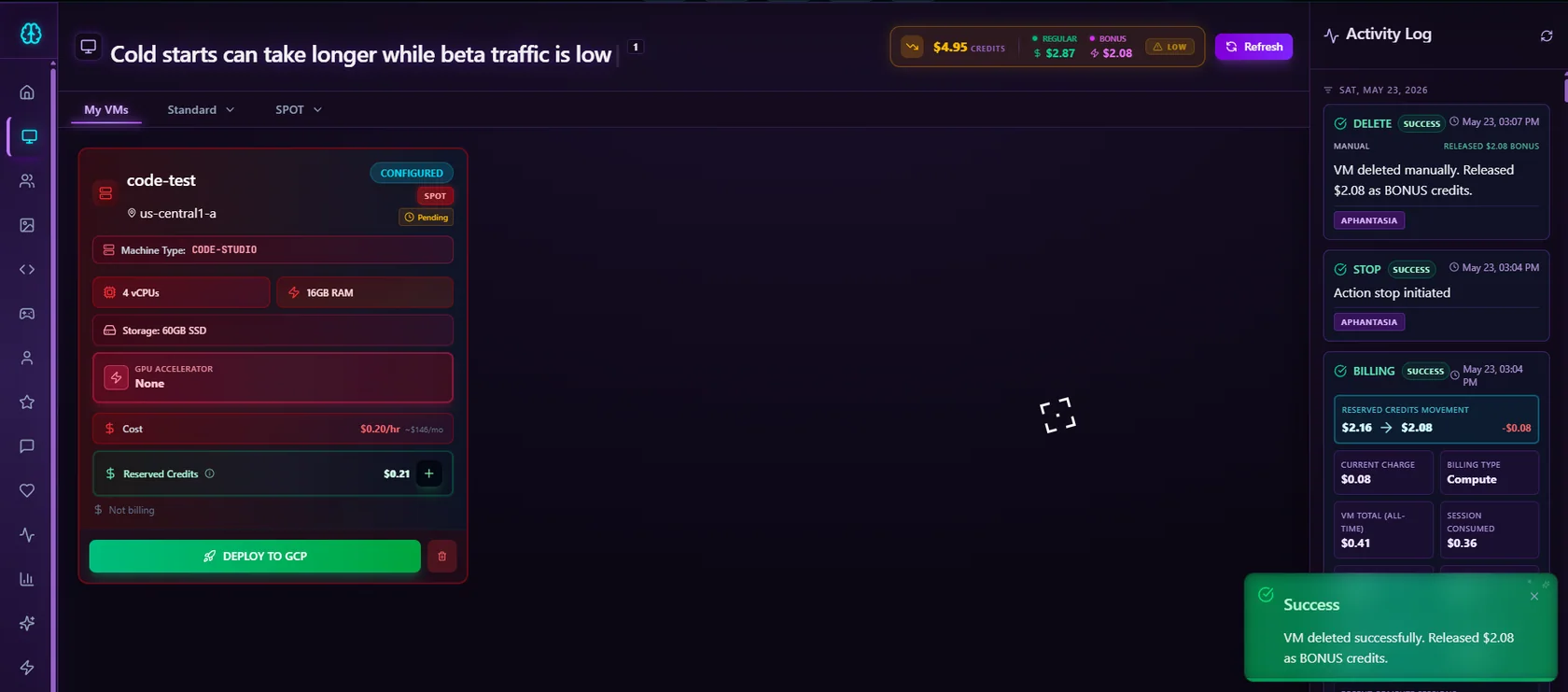
Track your credits
Prepaid credits help you keep spend predictable, while the activity view shows charges and returned balance after cleanup.
Choose your plan
Select lower-cost interruptible capacity for flexible tasks, or choose steadier access when a continuous session matters most.
SPOT
Lower hourly pricing for workloads that can be paused or restarted.
STANDARD
Steadier access for work where interruptions would break your flow.
Batch generation, experiments, and work that can resume after an interruption.
Live creative sessions, development work, demos, and longer focused tasks.
Lower hourly pricing in exchange for interruptible capacity.
Higher hourly pricing for a steadier session experience.
Capacity may stop or be reclaimed, so save work frequently.
Designed for greater continuity, subject to normal capacity availability.
Many launches complete in about 30 seconds, while cold capacity or retries can take 3 to 5 minutes.
Included controls
From credit reservation to session cleanup, the dashboard gives you the information needed to work confidently.
See the credits reserved for your workspace before you launch and track usage as your session runs.
Launch, stop, billing, retry, and deletion events remain visible in a readable activity timeline.
When a compatible region is available, deployment can route your request to a working zone.
A clear confirmation step helps prevent accidental deletion of an active workspace and its resources.
Refresh your workspace state whenever you need a current view of provisioning or availability.
Use your GPU workspace for image generation, AI experiments, or development sessions in one account.
Available today
Choose the workspace tier shown in your account, keep credit use visible, and remove resources with a clear confirmation step when your work is complete.
Ready to begin?
Sign in to review current capacity, compare rental modes, reserve prepaid credits, and launch when you are ready.